
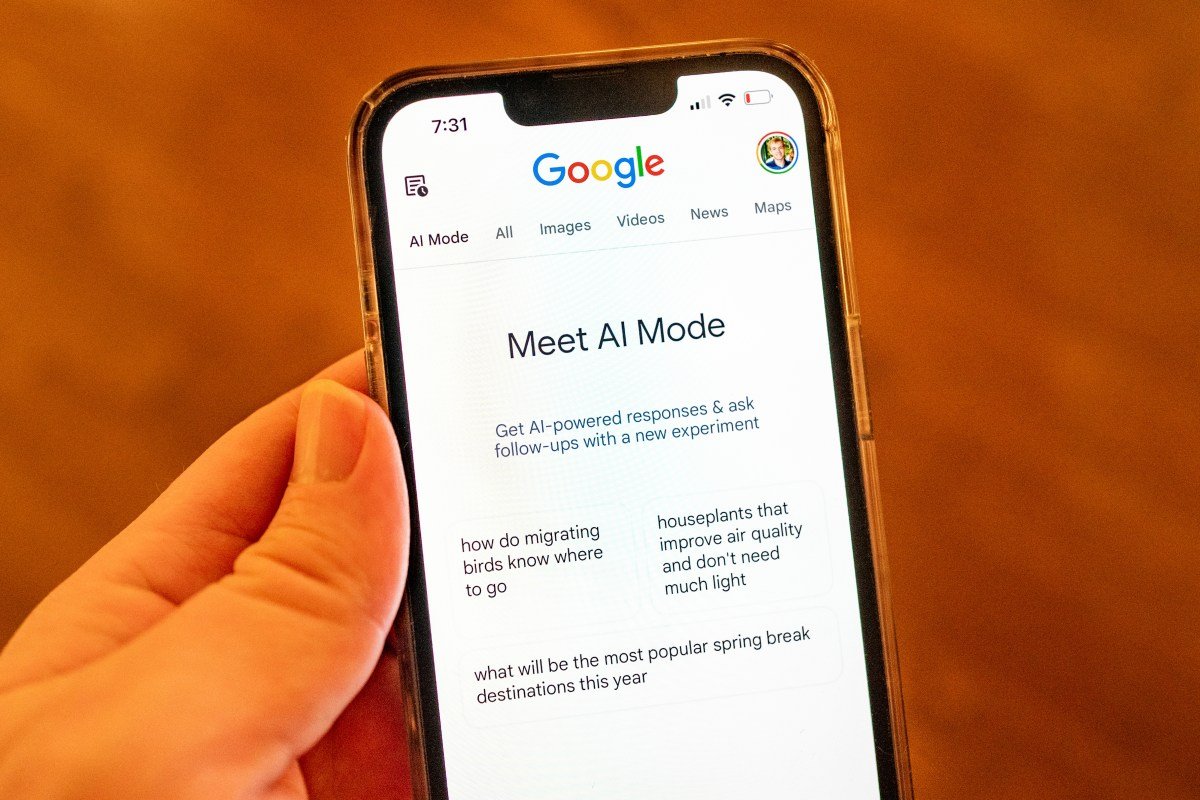
Google Expands Access to Canvas in AI Mode for U.S. Users
Google has opened up its Canvas feature in AI Mode to all users in the U.S. speaking English. This follows its initial debut as part of Google Labs experiments last year.
What is Canvas in AI Mode?
Canvas in AI Mode is a powerful tool designed to help users streamline project planning and conduct in-depth research. Thanks to this latest update, users can draft documents and create customized tools directly within Google Search, as detailed in Google’s blog.
Versatile Uses for Canvas
Google previously recommended using Canvas for tasks like crafting study guides by uploading class notes. The feature can also convert research reports into various formats, such as web pages, quizzes, or audio overviews, overlapping with Google’s research tool, Notebook LM.

Transform Ideas into Reality
Users can communicate their ideas to Canvas, which generates the necessary code to create shareable apps or games. The functionality also supports refining creative writing drafts and receiving project feedback.
Access for All Through AI Mode
With Canvas now accessible to all U.S. users via Google’s AI search feature, even those unfamiliar with Gemini’s capabilities can explore its potential. This broad reach gives Google a competitive edge in the AI landscape, leveraging its search dominance to showcase its tools to billions.

How to Use Canvas Effectively
To utilize Canvas, users can select the new Canvas option from the tool menu (+) within AI Mode, then describe their desired creation. This action opens a Canvas side panel, allowing users to gather information from the web and Google’s Knowledge Graph. Users can prototype their apps, test functionality, view the underlying code, and refine their designs by interacting with Gemini.
Canvas vs. Competitors
Canvas competes with tools from competitors like OpenAI and Anthropic. While ChatGPT’s Canvas feature activates automatically based on user queries, Google’s and Anthropic’s Claude demand more direct input from users. Both platforms assist with writing and transforming ideas into projects.
Here are five FAQs regarding Google’s Gemini rollout of Canvas in AI Mode for all US users:
FAQ 1: What is Google’s Gemini Canvas in AI Mode?
Answer: Google’s Gemini Canvas in AI Mode is a new feature that leverages advanced artificial intelligence to enhance user creativity. It allows users to create visuals, designs, and artwork with the assistance of AI, making the creative process more intuitive and accessible.
FAQ 2: How can I access Gemini Canvas in AI Mode?
Answer: All US users can access Gemini Canvas in AI Mode through their Google accounts. Simply log in to your Google account, navigate to the Gemini platform, and start a new project in Canvas. The AI tools will be available to assist you in your creative tasks.
FAQ 3: What types of projects can I create using Canvas in AI Mode?
Answer: With Canvas in AI Mode, users can create a variety of projects, including illustrations, digital art, presentations, and more. The AI can generate suggestions, enhance designs, and even help brainstorm ideas, making it a versatile tool for both personal and professional use.
FAQ 4: Is there a cost to use Canvas in AI Mode?
Answer: As of now, Canvas in AI Mode is available for free to all US users with a Google account. There may be additional features or templates that could require a subscription or purchase in the future, but the basic functions are complimentary.
FAQ 5: How does the AI assist users in the Canvas?
Answer: The AI in Canvas assists users by providing design suggestions, offering style recommendations, generating visual content based on user prompts, and even automating repetitive tasks. This allows users to focus on their creative vision while the AI enhances and streamlines the workflow.
Feel free to reach out if you have more questions!
No comment yet, add your voice below!