
Why Users Are Making the Switch to Claude from ChatGPT
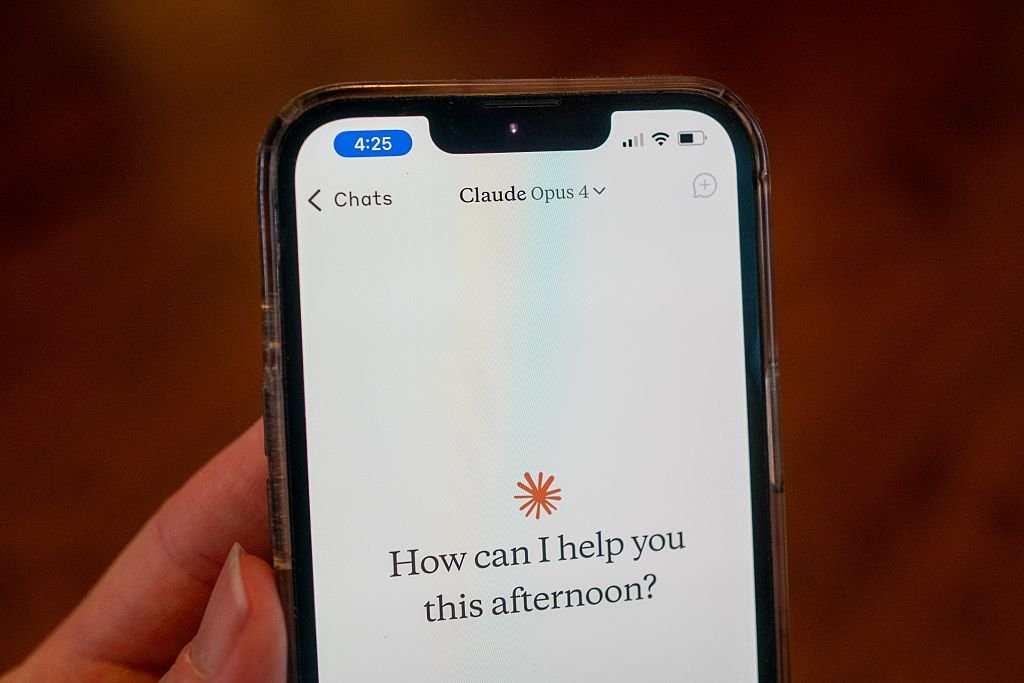
In the wake of recent controversies surrounding ChatGPT and its parent company, OpenAI, many users are finding themselves drawn to Claude, developed by Anthropic.
The Turning Point: Claude’s Stance on Ethical AI Use
The catalyst for this shift occurred when Anthropic publicly refused to permit the Department of Defense to utilize its AI models for mass surveillance or fully autonomous weaponry. In reaction, President Trump mandated that federal agencies discontinue their use of Anthropic products, while Defense Secretary Pete Hegseth outlined plans to categorize the company as a supply-chain threat.
OpenAI’s Controversial Agreement with the Pentagon
Shortly after these events, OpenAI announced its own agreement with the Pentagon, asserting that it would implement safeguards. However, this deal has ignited considerable debate over privacy concerns and the ethical ramifications of AI technologies.
Claude’s Rise in Popularity
Consequently, Claude has surged to the forefront of the free app rankings on Apple’s US App Store, eclipsing ChatGPT. Anthropic reports a remarkable increase in daily signups, with free users climbing over 60% since January and paid subscriptions more than doubling this year.
Making the Switch to Claude: A Comprehensive Guide
For many, the recent controversy makes Claude a highly appealing alternative to ChatGPT. If you’re contemplating the switch, this guide will assist you in transferring your data and closing your ChatGPT account.
How to Export Your Data from ChatGPT
Leaving ChatGPT doesn’t mean losing years of insights. You can seamlessly transfer your data to Claude to maintain continuity with your preferences.
Start by navigating to Settings, then to Personalization, and locate the Memory section. Click Manage to review and update any stored information. Once this is done, copy the content you wish to retain.
Exporting Your Chat History
You also have the option to export your entire chat history. Go to Settings, select Data Controls, and choose Export Data. Your chat history will be compiled into text or JSON files and sent to your email address. Note that this process may take some time depending on your chat volume.
Manual Data Collection
If preferred, you can manually gather key conversations or ask ChatGPT to summarize your main preferences, frequently discussed topics, and any custom instructions you’ve set up.
Importing Your Data into Claude
Once you’ve prepared your data, moving it to Claude is simple.
Open Claude, head to Settings, then Capabilities, and ensure that Memory is activated (this requires a subscription to Pro, Max, Team, or Enterprise plans). Begin a new conversation with a prompt like, “Here’s some important context I’d like you to remember. Update your memory about me with this.” Then paste your information directly into the chat.
If you’re using exported chat files, don’t paste raw logs; instead, prompt Claude with: “Review this and summarize my key preferences.”
We recommend verifying with Claude that your information has been saved correctly, as you can always update your preferences as they evolve.
Permanently Deleting Your ChatGPT Account
To fully sever ties with ChatGPT, simply canceling your subscription won’t suffice to erase your data.
Follow these steps:
- Navigate to Settings, then Personalization, and select Memory.
- Delete any stored memory or personalization settings.
- For added peace of mind, type “Delete all my memory and personalized data” as a final command in the chat.
- Proceed to your account management settings to delete your account entirely.
By following these steps, you won’t just make a clean break from ChatGPT but also ensure your preferences transition smoothly to Claude.
Sure! Here are five FAQs with answers about switching from ChatGPT to Claude:
FAQ 1: What is Claude, and how does it differ from ChatGPT?
Answer: Claude is an AI language model developed by Anthropic. Unlike ChatGPT, which focuses on conversational engagement, Claude is designed with a strong emphasis on safety and ethical AI practices, offering features that prioritize user intention and minimize harmful outputs.
FAQ 2: Why are users choosing Claude over ChatGPT?
Answer: Users are shifting to Claude for various reasons, including its user-friendly interface, enhanced contextual understanding, and superior handling of specific prompts. Many users also appreciate Claude’s emphasis on ethical considerations and fewer biases in responses.
FAQ 3: How can I switch from ChatGPT to Claude?
Answer: To switch, simply create an account on the Claude platform. Once registered, you can start interacting with the model directly. Familiarize yourself with its features and capabilities to maximize your experience.
FAQ 4: Are there any costs associated with using Claude?
Answer: Claude offers both free and subscription-based plans. The free version provides basic access, while premium plans unlock advanced features, higher usage limits, and priority support. Check the pricing details on the Claude website for specifics.
FAQ 5: What should I expect in terms of performance when using Claude compared to ChatGPT?
Answer: Users typically find Claude’s responses to be more nuanced and relevant to their queries compared to ChatGPT. Performance may vary based on the complexity of the task, but many report increased satisfaction with Claude’s accuracy and tone alignment.
Feel free to ask if you have more specific questions!
No comment yet, add your voice below!